-1.png?width=200&height=59&name=REIP%20Nexus%20logo%20(2)-1.png)
You can access your company branding settings from the top right corner of your screen.
Click the admin settings icon in the navigation bar, then select Company Profile Details.

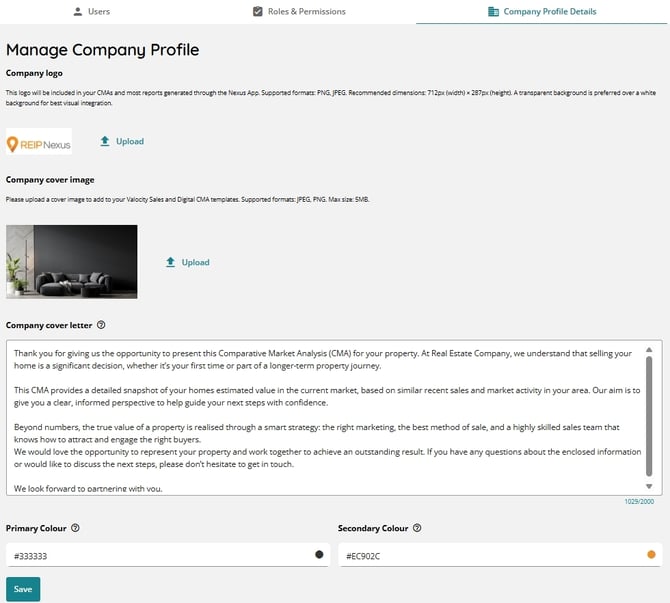
1. Edit your details
On the company profile details page, you can:
- Upload your company logo
- Add a company cover image
- Write a company cover letter (up to 2,000 characters). This appears in the Welcome section of your CMA
- Add your primary and secondary brand colours
2. Upload your company logo
Your company/office logo will appear on your CMA templates, including the Digital CMA and the Sales Long Form CMA (Valocity PDF).
📌For best results, use the following logo sizes:
-
Digital CMA: 991 (width) × 28px (height)
-
Valocity Sales CMA: 712 (width) × 287px (height)

Click upload button to upload your image.
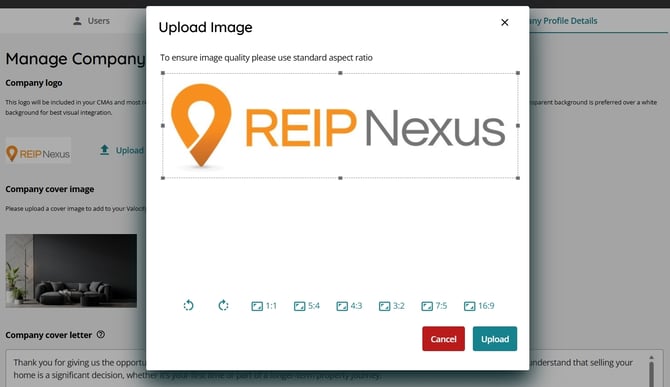
3. Add a company cover image
The cover image lets you customise your CMA background at an office level.
📌For best results, use an image 794 (width) × 784 (height) - (JPEG or PNG, max 5MB).
4. Write a company cover letter
Add a personalised cover letter at an office level to enhance vendor communications. The agent’s signature is pulled automatically from their user profile. Cover letters can be up to 2000 characters and apply to all CMA templates.
📌Note: Legacy custom templates won’t update when the cover letter is modified.
5. Primary and secondary brand colours
You can set primary and secondary brand colors for standard templates. How these colors appear will vary by template.
Digital CMA Template:
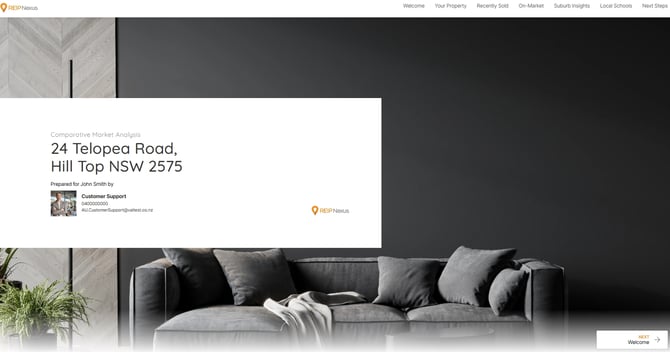
In the Digital CMA, your chosen primary and secondary colors are used widely across the interface, including menus, buttons, titles, accents, hover effects, graphs, and more. The example below shows how these colors are applied.
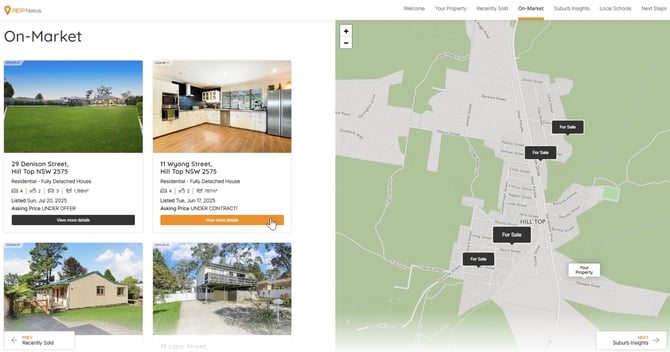
Valocity Sales CMA Template:
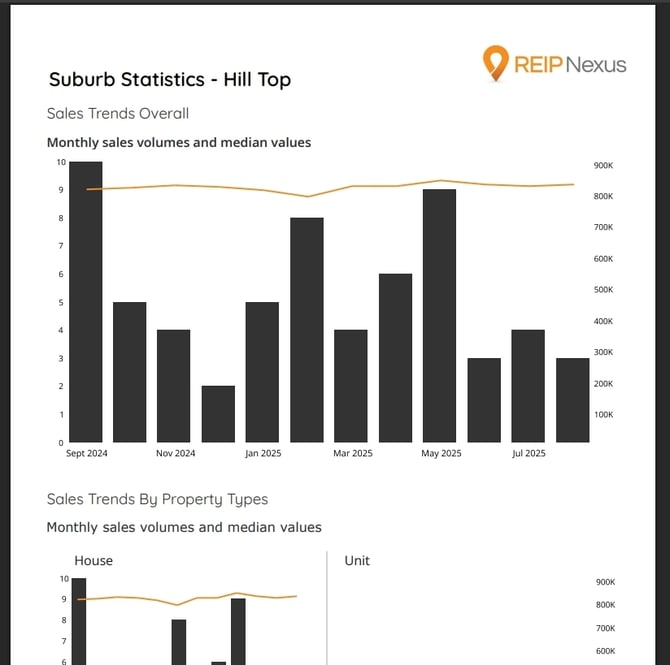
In this template, brand colors are used more sparingly; mainly in the Sales and Suburb Insights charts within the CMA.